-
Events
-
Festival of Speed
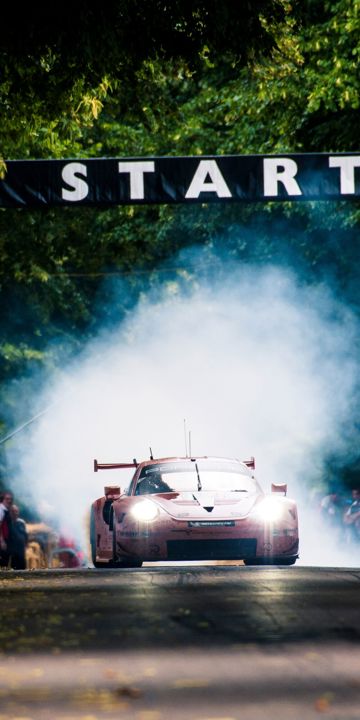

Mad Mike
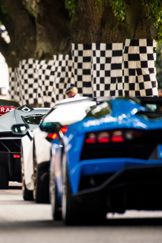
FOS Favourite Mad Mike Whiddett can be caught melting tyres in his incredible collection of cars (and trucks) up the hillclimb
-
Goodwood Revival
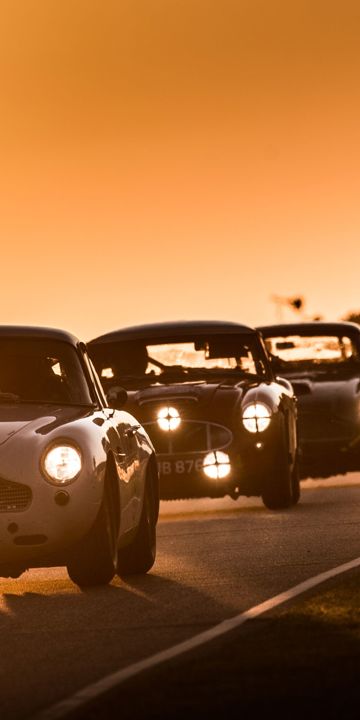

Goodwood Heroes
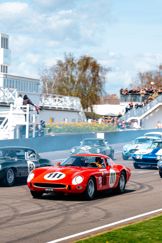
Legend of Goodwood's golden racing era and Le Mans winner Roy Salvadori once famously said "give me Goodwood on a summer's day and you can forget the rest".
-
Members' Meeting
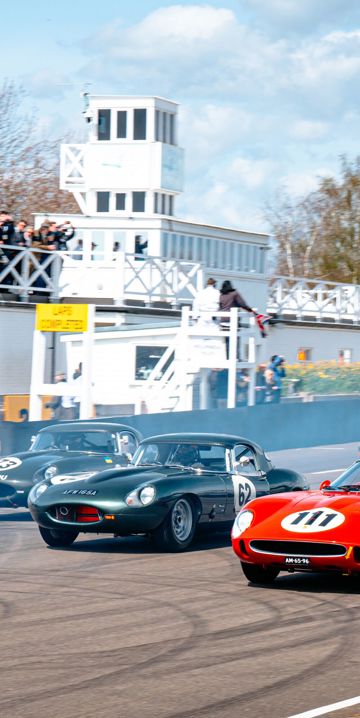

More than motorsport...
Ferret racing and duck herding are two of the many off-track activities at Members' Meeting -
Qatar Goodwood Festival
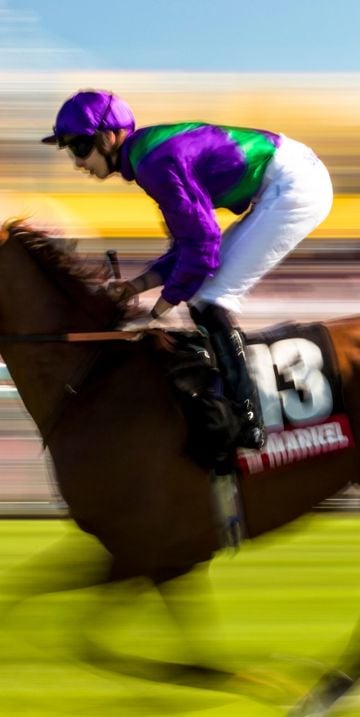

Royal approval
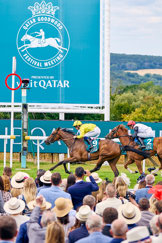
King Edward VII (who came almost every year) famously dubbed Glorious Goodwood “a garden party with racing tacked on”.
-
Goodwoof
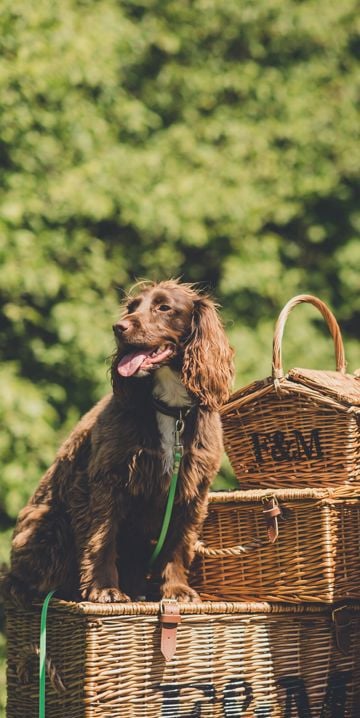

Start in style
The breed parade sees hundreds of dogs and their owners walk from Goodwood House down to The Kennels to kick start the Goodwoof weekend. -
Horseracing
-
Season Opener
-
May Festival
-
Family Race Day
-
Three Friday Nights
-
August Bank Holiday
-
Autumn Racing
-
Season Finale
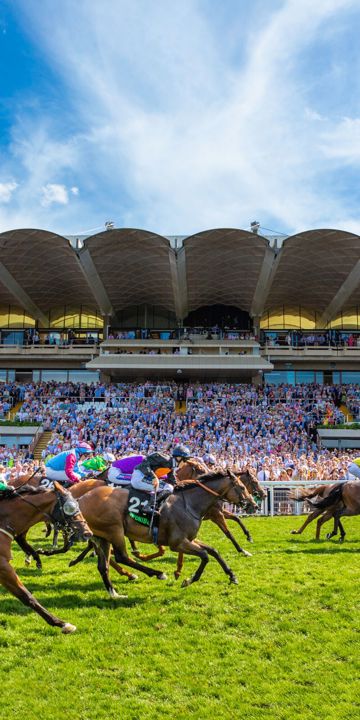

Why does everyone wear hats?
One Summer, King Edward VII turned his back on the traditional morning suit, and donned a linen suit and Panama hat. Thus the Glorious Goodwood trend was born.
-
Season Opener
-
Breakfast Club
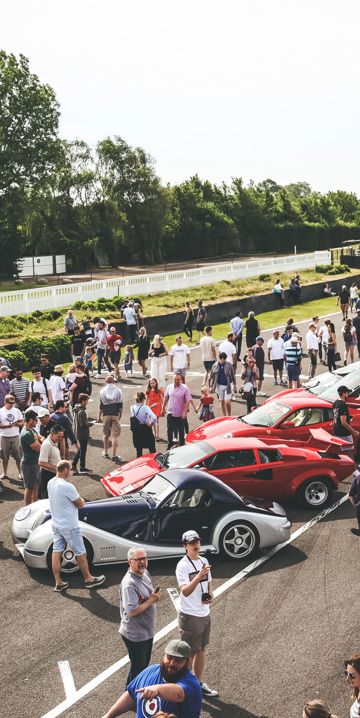

A perfect Sunday morning?
A no-cost, all-welcome motoring show where the visitors and their machines are the stars -
Health Summit
-
Hospitality
-
Exhibiting
-
Partnerships
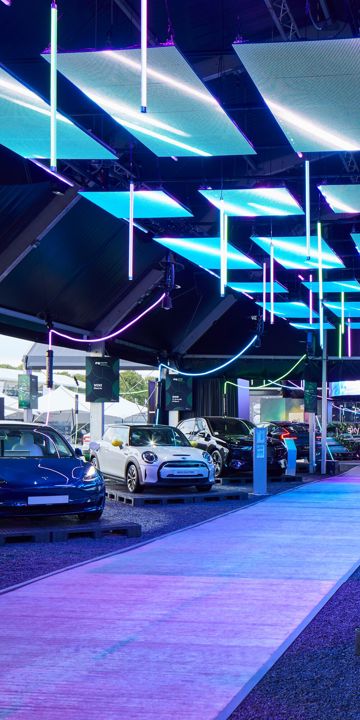

Where else can you...
...plan strategy in an ancient woodland, enjoy award-winning dining then drive around a racetrack?
-
What's on
-
Festival of Speed
-
Visit, Eat, Stay
-
The Goodwood Hotel
-
Rooms
-
Contact Us
-
Christmas
-
New Year's Eve
-
Weddings
-
Kids Activities
-
Offers
-
Local Attractions
-
Plan your stay

A different breed...
Goodwood’s pigs are a mix of two rare breeds (Gloucester Old Spots and Saddlebacks) plus the Large White Boar.
-
Rooms
-
Goodwood Cottages


Levin Down Gin
Our gin uses wild-grown botanicals sourced from the estate, and is distilled with mineral water naturally chalk-filtered through the South Downs.
-
Goodwood House

Estate Crest
"En la rose je fleurie" or "Like the rose, I flourish" is part of the Richmond coat of Arms and motto
-
Restaurants
-
Farmer, Butcher, Chef
-
The Goodwood Bar & Grill
-
The Kennels
-
Aerodrome Café
-
Motor Circuit Café

-
Cafe 24
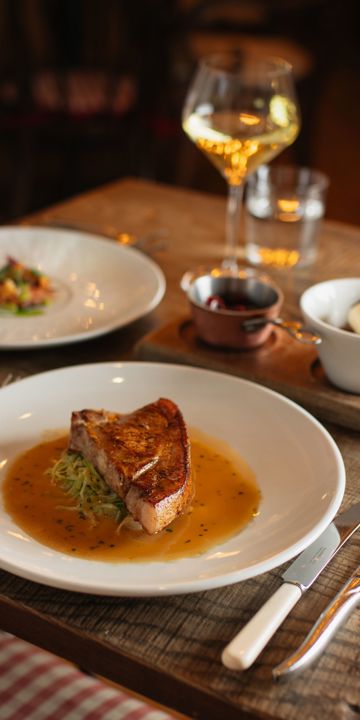

Sustainable state-of-mind
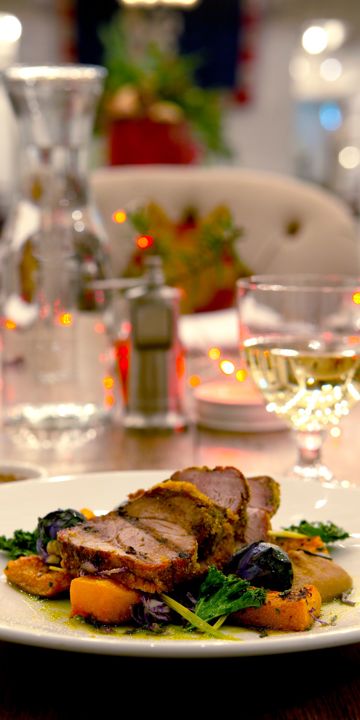
When Farmer, Butcher, Chef opened in 2016 it was awarded the UK’s first-ever Royal Academy of Culinary Arts ‘Sustainable Food Philosophy Seal’. -
Farmer, Butcher, Chef
-
The Kennels
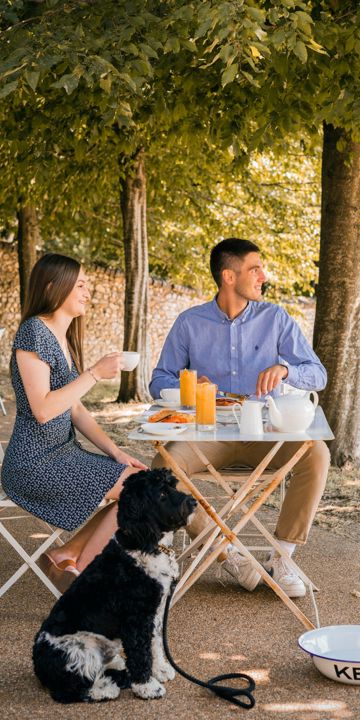

An exclusive clubhouse
As the private clubhouse for all of the Estate’s sporting and social members, it offers personal service and a relaxed atmosphere
-
Motor Circuit
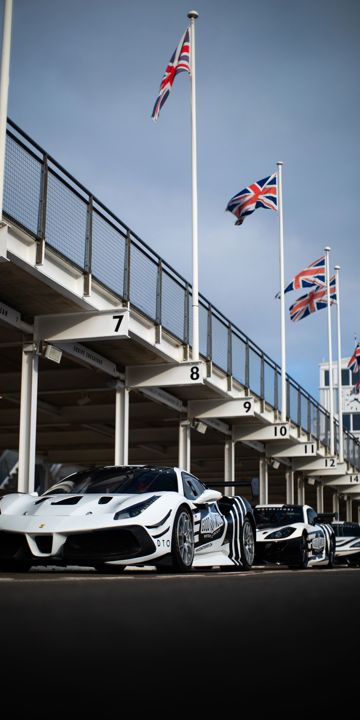

When was the GRRC founded?
Established in 1998 by the Duke of Richmond, the Goodwood Road Racing Club offers exclusive benefits across the estate year-round -
Health & Wellbeing
-
Membership
-
Health Club
-
Gym
-
Run Club
-
Run Series
-
Spa Treatments
-
Wellness Retreats
-
Events Calendar
-
Corporate Wellbeing
-
Health Summit
-
Latest News
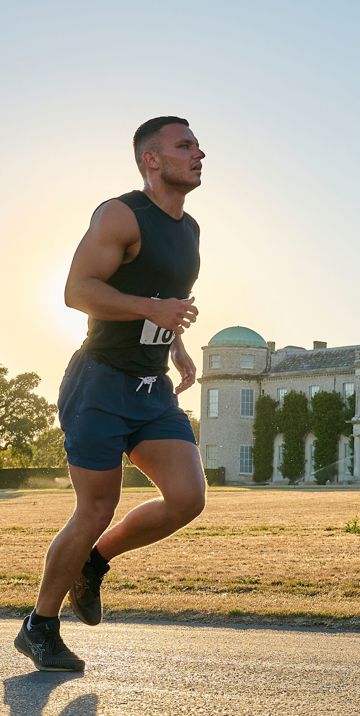

Goodwood's first Health Summit...
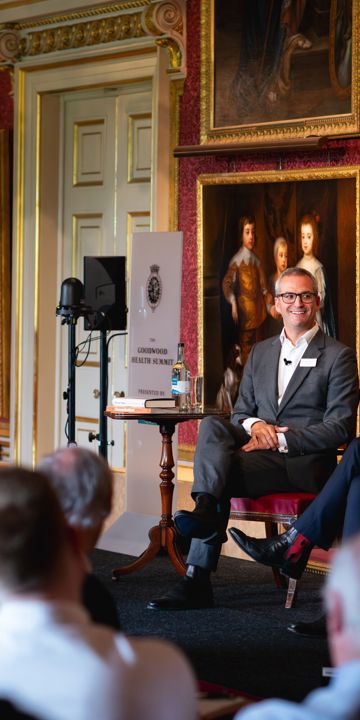
...took place in 2023 with industry experts discussing nutrition costs and food systems for a healthier future. -
Membership
-
Hound Lodge
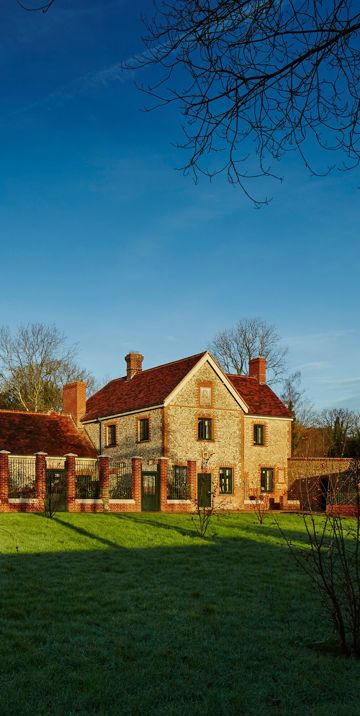

Lovingly curated
Every single item from plates to pictures has its own home within the Lodge, with our butler (James) has his own "bible" to reference exactly what is out of place.
-
Goodwood Farm Shop


St Simon
Whoa Simon! A horse so determined and headstrong, he not only won the 1883 Goodwood Cup by 20 lengths, but couldn't be stopped and carried on running over the top of Trundle hill
-
Parties
-
Goodwood Art Foundation
-
The Goodwood Hotel
-
Motorsport
-
Festival of Speed
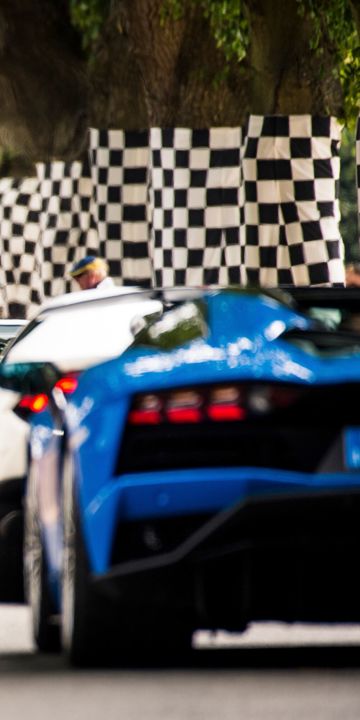

The Robots take control
Roborace was the first car to ever complete the hillclimb... without a driver! -
Goodwood Revival
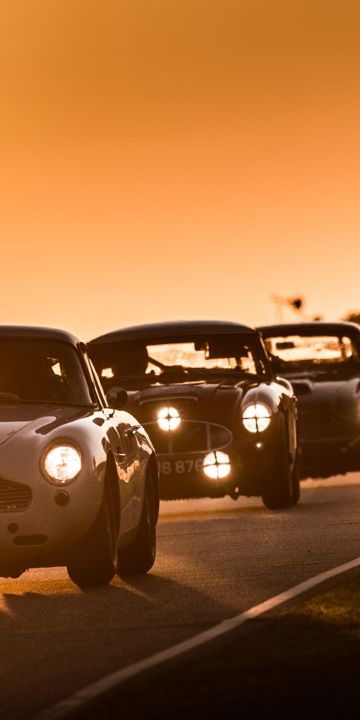
Goodwood Heroes
Legend of Goodwood's golden racing era and Le Mans winner Roy Salvadori once famously said "give me Goodwood on a summer's day and you can forget the rest".
-
Members' Meeting
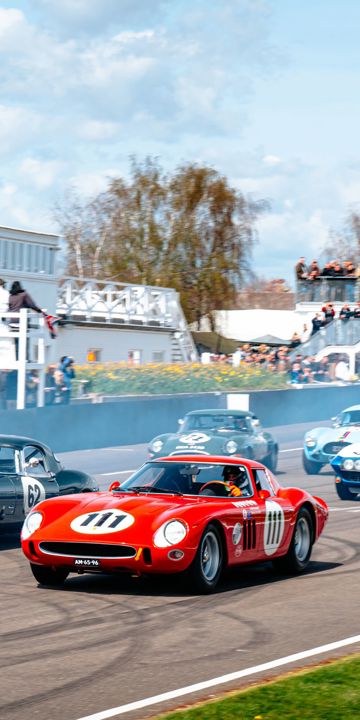
A perfect Sunday morning?
A no-cost, all-welcome motoring show where the visitors and their machines are the stars -
Breakfast Club
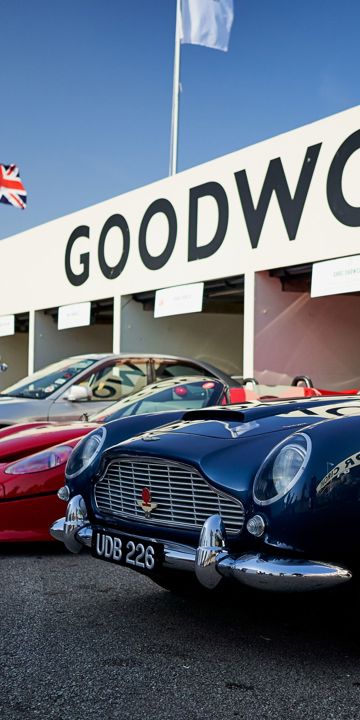
Goodwood Heroes
Legend of Goodwood's golden racing era and Le Mans winner Roy Salvadori once famously said "give me Goodwood on a summer's day and you can forget the rest".
-
Motor Circuit

Flying Elephant
The first thing ever dropped at Goodwood was a cuddly elephant which landed in 1932 just as the 9th Duke of Richmonds passion for flying was taking off.
-
Driving Experiences
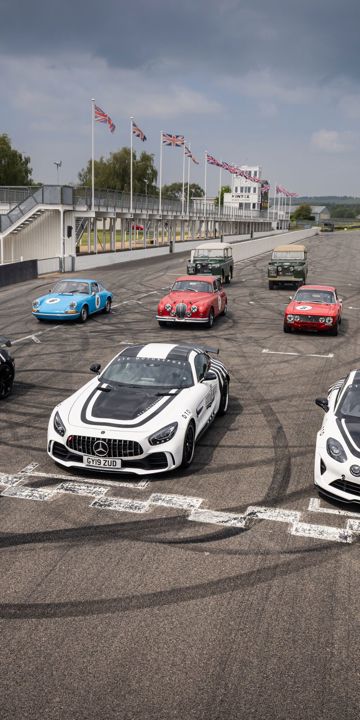

The Hillclimb Record
Nick Heidfelds 1999 (41.6s) hillclimb record was beaten after Max Chilton in his McMurtry Spéirling fan car tore it to shreds at 39.08s in 2022!
-
Goodwood Road Racing Club
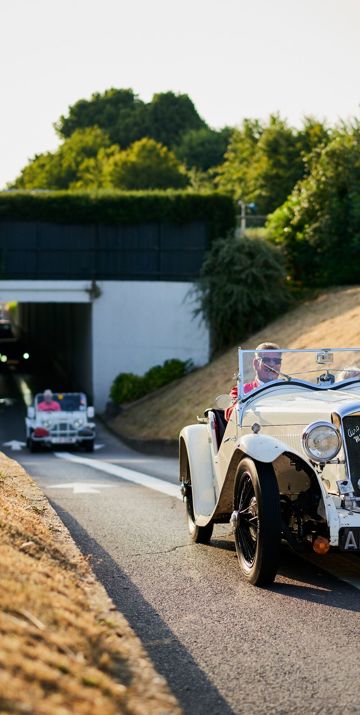

Taming the "Beast"
The Fiat S76 or "Beast of Turin" is a Goodwood favourite and can usually be heard before it is seen at #FOS
-
Latest News
-
Festival of Speed
-
Horseracing
-
Tickets & Packages
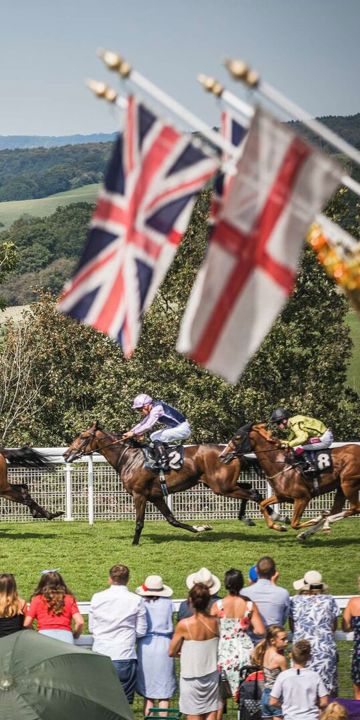
St Simon
Whoa Simon! A horse so determined and headstrong, he not only won the 1883 Goodwood Cup by 20 lengths, but couldn't be stopped and carried on running over the top of Trundle hill
-
Buy Merchandise
-
Fixtures & Events
-
Season Opener
-
May Festival
-
Family Race Day
-
Three Friday Nights
-
Qatar Goodwood Festival
-
August Bank Holiday
-
Autumn Racing
-
Season Finale
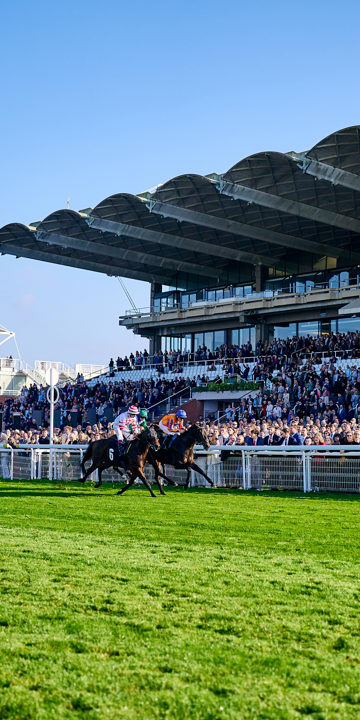
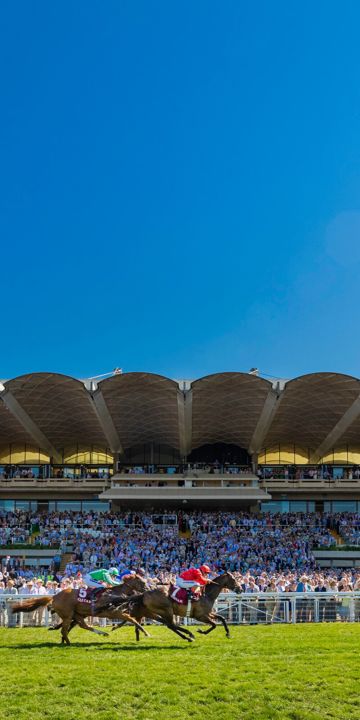
Why does everyone wear hats?
One Summer, King Edward VII turned his back on the traditional morning suit, and donned a linen suit and Panama hat. Thus the Glorious Goodwood trend was born.
-
Season Opener
-
Qatar Goodwood Festival
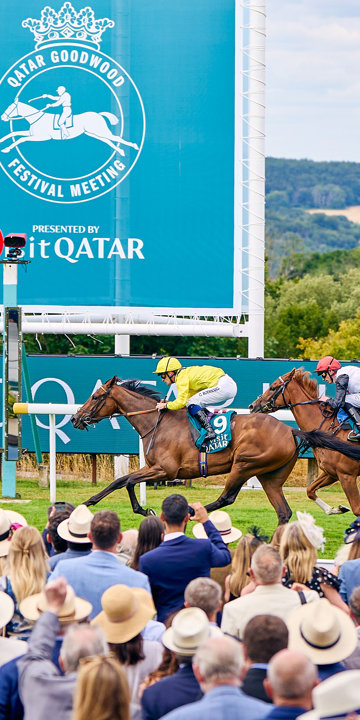
Royal approval
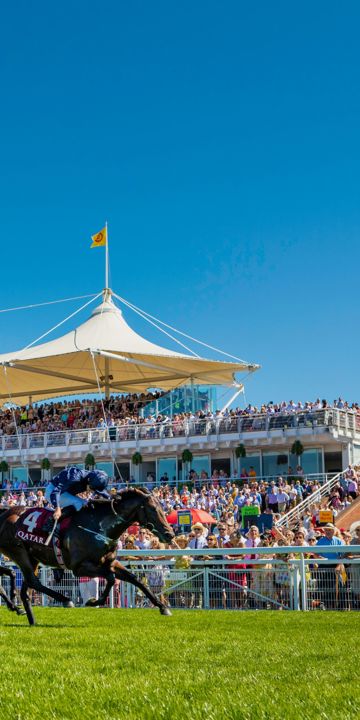
King Edward VII (who came almost every year) famously dubbed Glorious Goodwood “a garden party with racing tacked on”.
-
Three Friday Nights
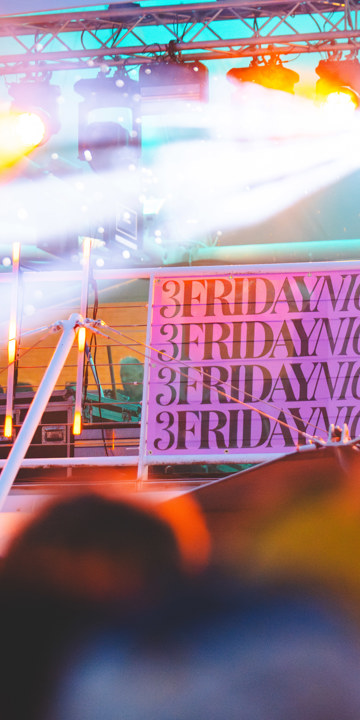

Why walk when you can drive
The first ever horsebox was used from Goodwood to Doncaster for the 1836 St. Leger. Elis arrived fresh and easily won his owner a £12k bet.
-
Hospitality
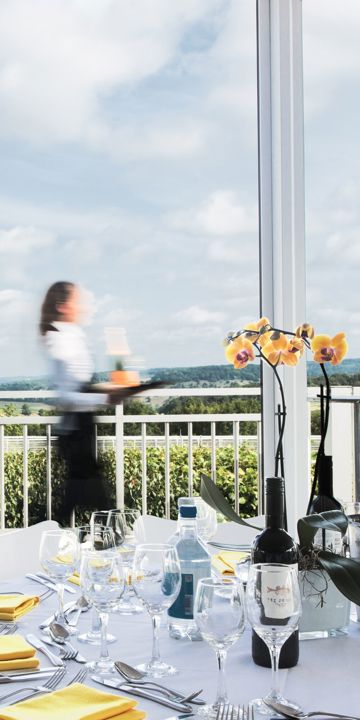

"Glorious Goodwood"
The first public race meeting took place in 1802 and, through the nineteenth century, ‘Glorious Goodwood,’ as the press named it, became a highlight of the summer season
-
Partners
-
Plan Your Day
-
Enclosures
-
Event Map
-
Going Report
-
Getting Here
-
Betting at Goodwood
-
Dress Code
-
Accessibility
-
Food & Drink
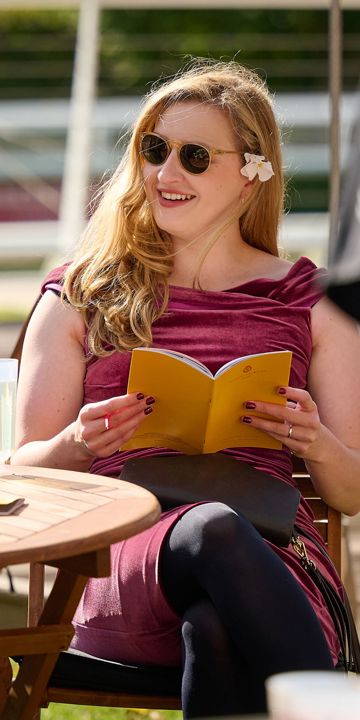
Royal approval
King Edward VII (who came almost every year) famously dubbed Glorious Goodwood “a garden party with racing tacked on”.
-
Enclosures
-
Latest News
-
Owners & Trainers
-
Goodwood Horseracing Club
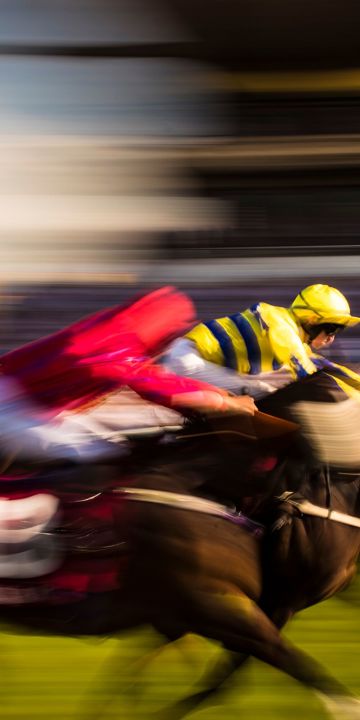
Why does everyone wear hats?
One Summer, King Edward VII turned his back on the traditional morning suit, and donned a linen suit and Panama hat. Thus the Glorious Goodwood trend was born.
-
FAQs
-
Accessibility
-
Tickets & Packages
-
Experiences
-
Driving
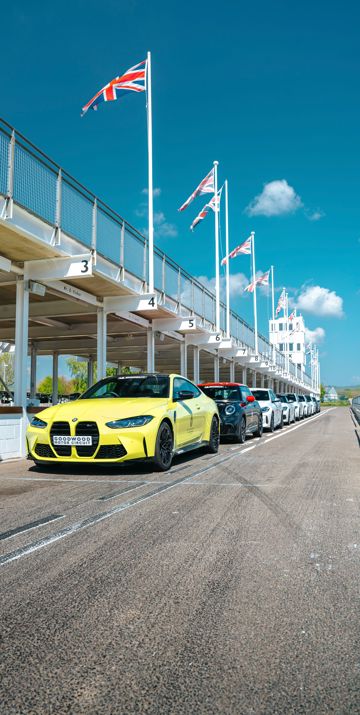

Driving experiences
Unleashed your driving skils -
Flying
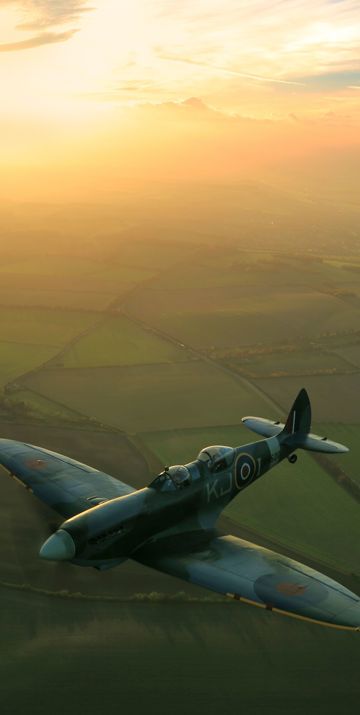

Group Captain Sir Douglas Bader
The famous fighter ace, who flew his last sortie from Goodwood Aerodrome, formerly RAF Westhampnett has a statue in his honor within the airfield.
-
Golf

Braid’s Masterpiece
One of the greatest golfers of all time, James Braid designed Goodwood’s iconic Downland course, opened in 1914.
-
Shooting
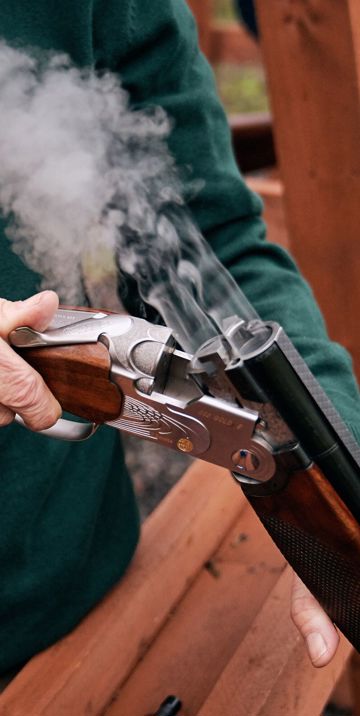

Fashionable foxhounds
The 1st Duke of Richmond bought Goodwood in 1697 as a place to stay to go foxhunting with the fashionable Charlton Hunt. -
Afternoon Tea
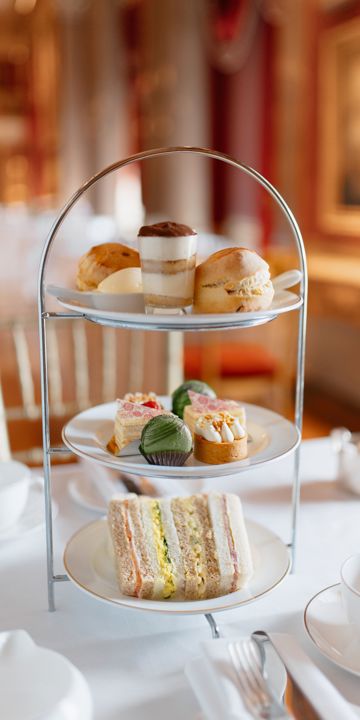

During the war...
The Motor Circuit was known as RAF Westhampnett, active from 1940 to 1946 as a Battle of Britain station. -
Corporate Wellbeing
Goodwood's first Health Summit...
...took place in 2023 with industry experts discussing nutrition costs and food systems for a healthier future. -
Cycling
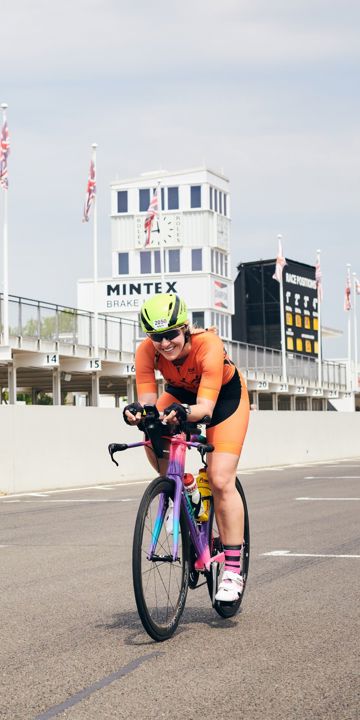

The Silver Spitfire
The iconic spitfire covered almost 43,000 kilometres and visited over 20 countries on its epic journey and currently resides at our Aerodrome.
-
Corporate Experiences
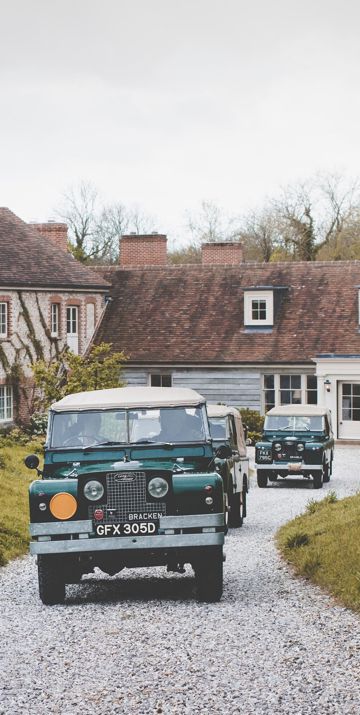
Where else can you...
...plan strategy in an ancient woodland, enjoy award-winning dining then drive around a racetrack?
-
Spa Treatments
-
Driving
- Hospitality
-
Golf
-
Golf Courses
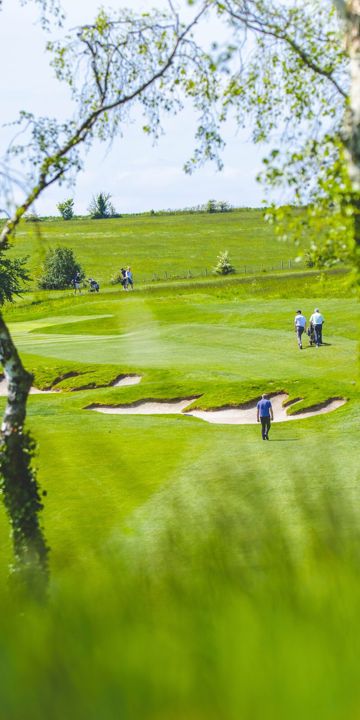

Over 100 years of Golf
The first ever round of golf played at Goodwood was in 1914 when the 6th Duke of Richmond opened the course on the Downs above Goodwood House.
-
Golf Membership
-
Credit Membership
-
Application Form
-
Intermediate Membership
-
Junior Membership
-
Corporate Membership
-
Copse Membership

Over 100 years of Golf
The first ever round of golf played at Goodwood was in 1914 when the 6th Duke of Richmond opened the course on the Downs above Goodwood House.
-
Credit Membership
-
The Academy
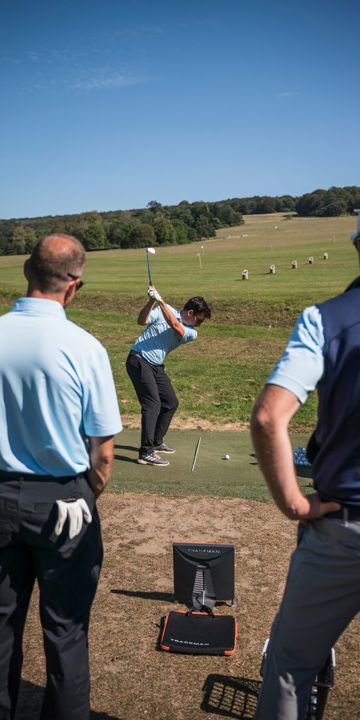
Over 100 years of Golf
The first ever round of golf played at Goodwood was in 1914 when the 6th Duke of Richmond opened the course on the Downs above Goodwood House.
-
Golf Experiences

Over 100 years of Golf
The first ever round of golf played at Goodwood was in 1914 when the 6th Duke of Richmond opened the course on the Downs above Goodwood House.
-
Golf Courses
-
Flying
-
Flying School
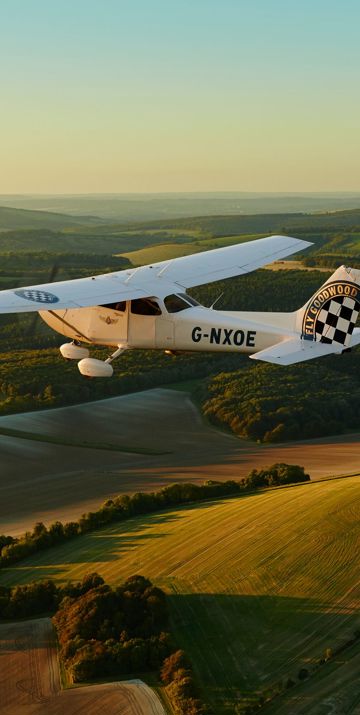
Flying Elephant
The first thing ever dropped at Goodwood was a cuddly elephant which landed in 1932 just as the 9th Duke of Richmonds passion for flying was taking off.
-
Aero Club Membership
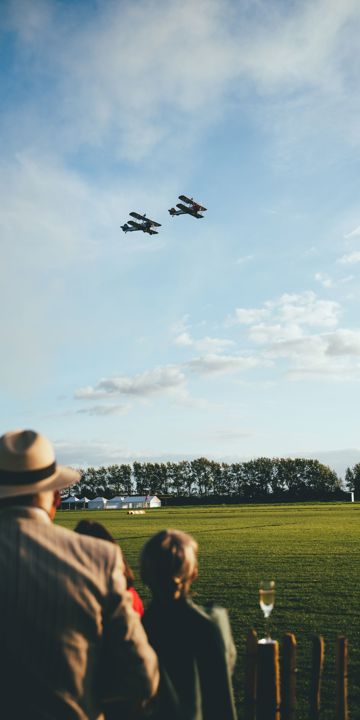
Group Captain Sir Douglas Bader
The famous fighter ace, who flew his last sortie from Goodwood Aerodrome, formerly RAF Westhampnett has a statue in his honor within the airfield.
-
Flying Experiences
-
Pilot Information
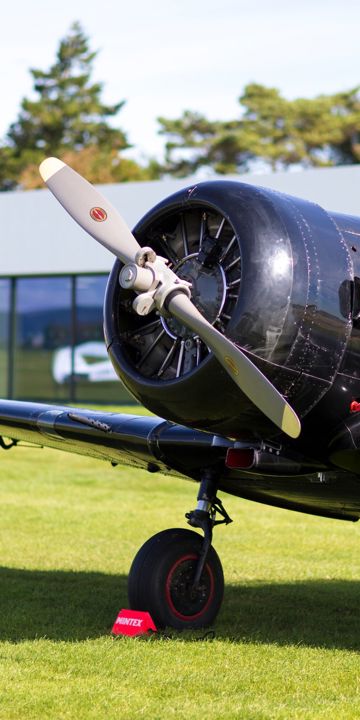
During the war...
The Motor Circuit was known as RAF Westhampnett, active from 1940 to 1946 as a Battle of Britain station.
-
Flying School
-
Meetings
-
Venue Hire
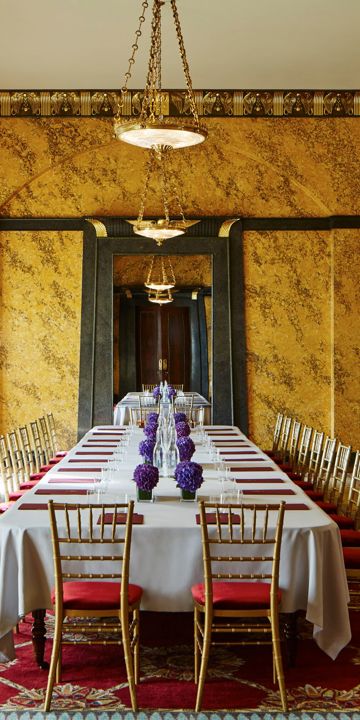
Where else can you...
...plan strategy in an ancient woodland, enjoy award-winning dining then drive around a racetrack?
-
Plan Your Meeting
-
Parties
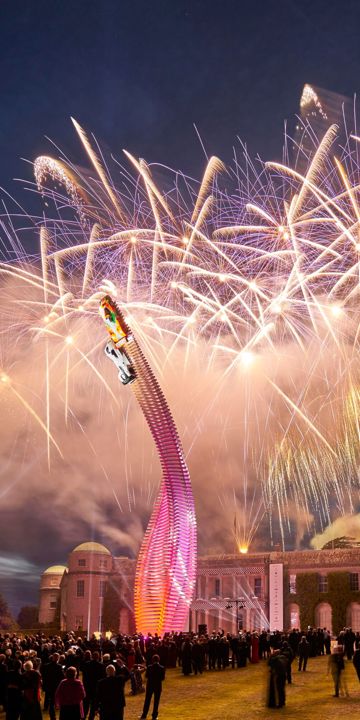
Where else can you...
...plan strategy in an ancient woodland, enjoy award-winning dining then drive around a racetrack?
-
Hospitality

-
Corporate Experiences
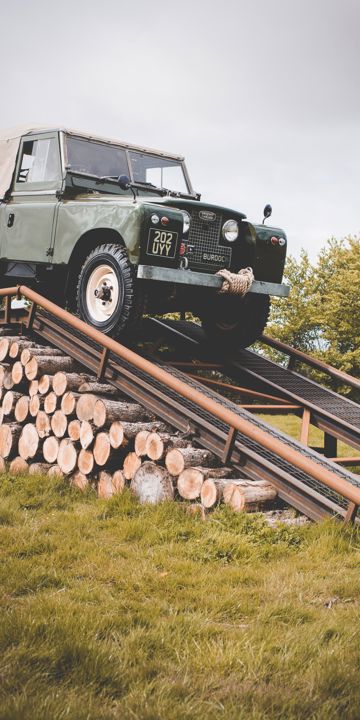
Where else can you...
...plan strategy in an ancient woodland, enjoy award-winning dining then drive around a racetrack?
-
Christmas Parties
-
Film Locations
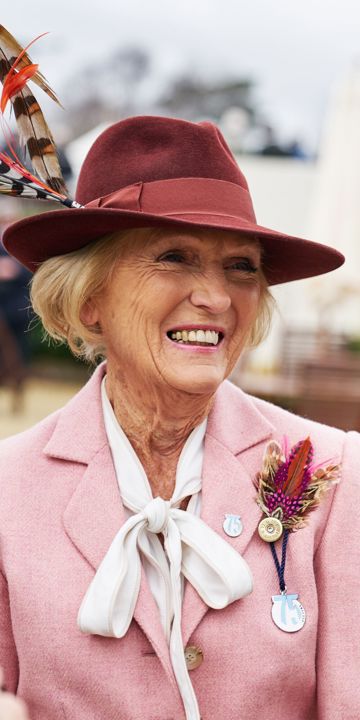
Where else can you...
...plan strategy in an ancient woodland, enjoy award-winning dining then drive around a racetrack?
-
Venue Hire
-
Weddings
-
Goodwood House
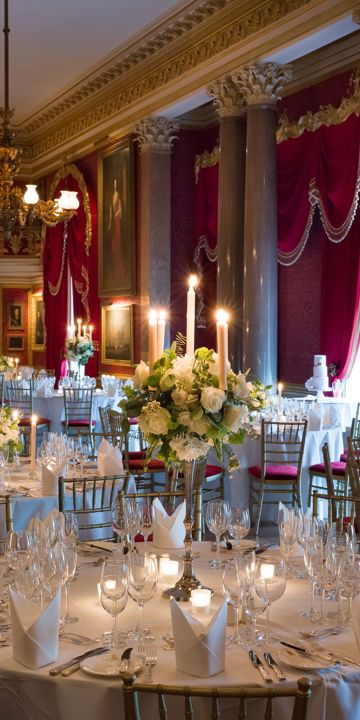

Our Paintings Collection
The origins of the collection lay in the possessions of Louise de Keroualle, Duchess of Portsmouth, and Duchess of Aubigny in France, to whom some of the paintings originally belonged.
-
The Kennels


Advice from our Head Butler
Ensure you take a little time out together to pause and take in the celebration of all the hard work you put in will be a treasured memory.
-
Parties
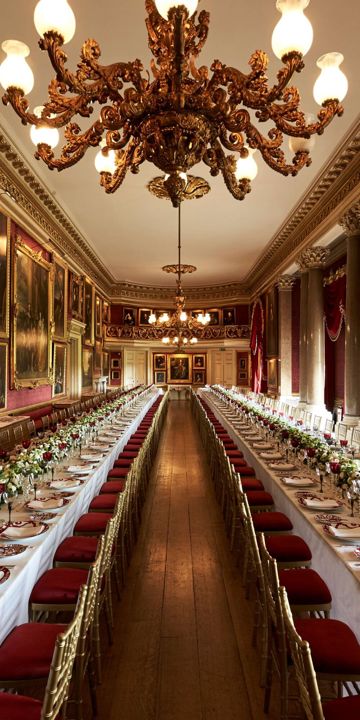


A destination for all seasons
We're well known for our iconic motorsport and horseracing events. But there's a lot more happening at Goodwood...
-
Goodwood House
-
Memberships
-
Goodwood Road Racing Club
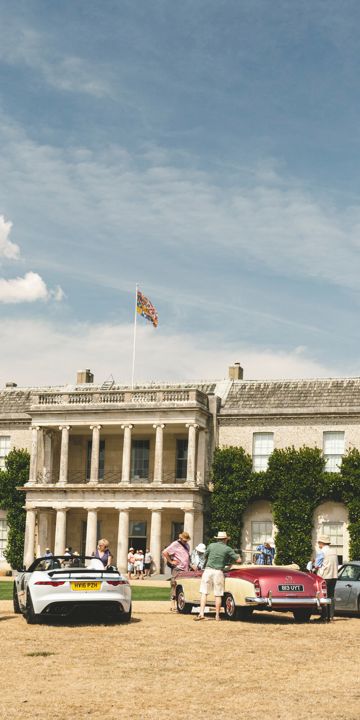
When was the GRRC founded?
Established in 1998 by the Duke of Richmond, the Goodwood Road Racing Club offers exclusive benefits across the estate year-round -
Goodwood Horseracing Club
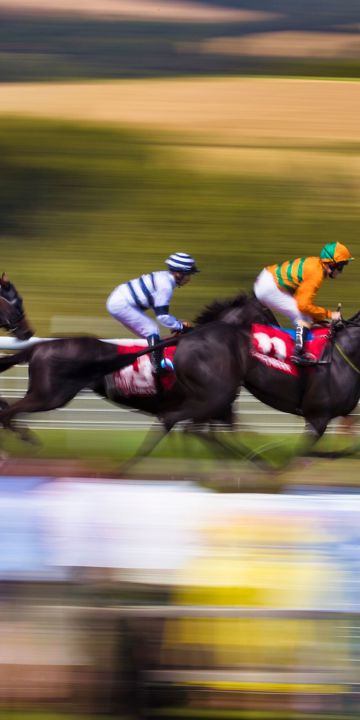
Royal approval
King Edward VII (who came almost every year) famously dubbed Glorious Goodwood “a garden party with racing tacked on”.
-
Golf At Goodwood
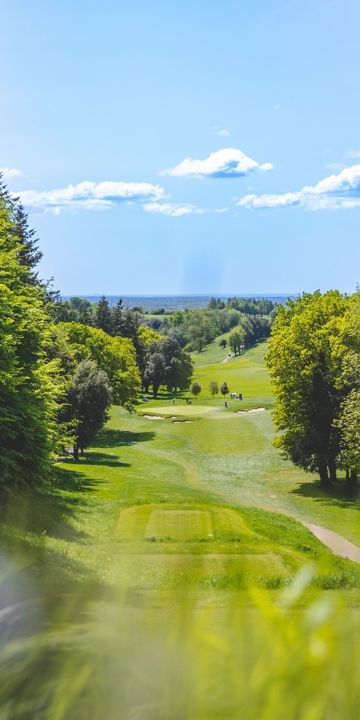

A sporting Estate
Goodwood has two 18-hole championship courses, a modern clubhouse and an impressive Academy. -
Goodwood Aero Club
Group Captain Sir Douglas Bader
The famous fighter ace, who flew his last sortie from Goodwood Aerodrome, formerly RAF Westhampnett has a statue in his honor within the airfield.
-
Goodwood Health Club
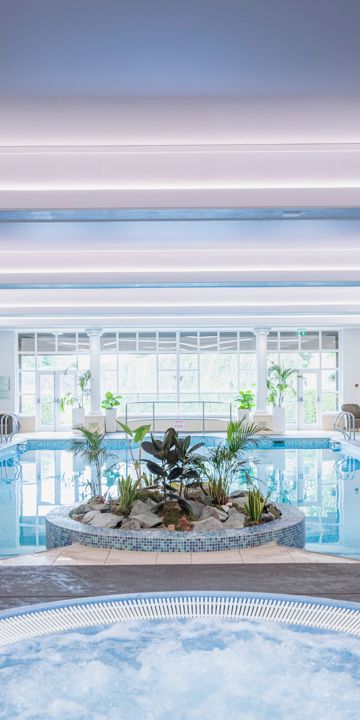
Goodwood's first Health Summit...
...took place in 2023 with industry experts discussing nutrition costs and food systems for a healthier future. -
The Kennels

An exclusive clubhouse
As the private clubhouse for all of the Estate’s sporting and social members, it offers personal service and a relaxed atmosphere
-
Sporting Membership


21,000 litres...
Alongside the award-winning meat, we also produce 21,000 litres of milk a week, used to make our cheeses. -
Goodwood Racehorse Owners Group
-
Goodwood Art Foundation
-
Goodwood Road Racing Club
- Classic Car Insurance
- Health & Wellbeing
- Buy Merchandise
-
Our Estate
-
What's on
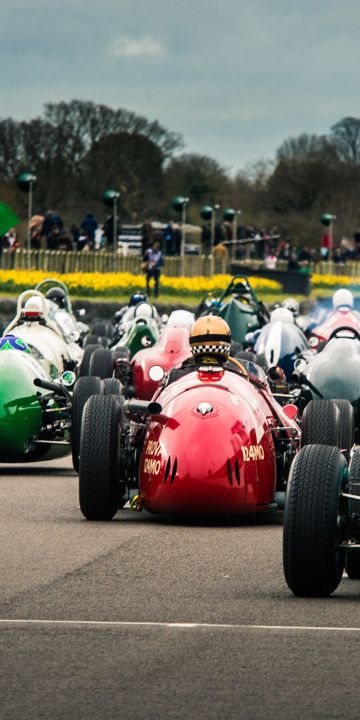
-
Estate Map
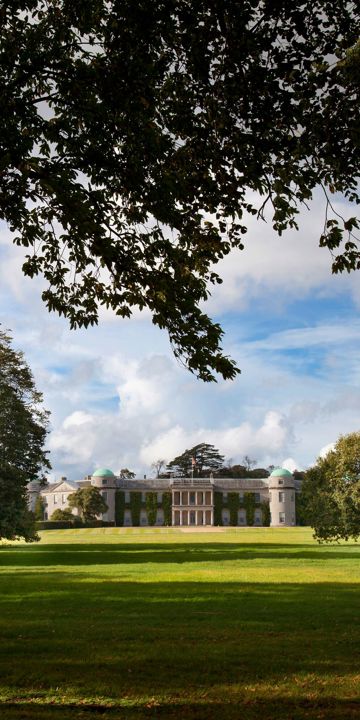

Battle of Britain
Flying training began at Goodwood in 1940 when pilots were taught operational flying techniques in Hurricanes and Spitfires.
-
Stories from the Estate
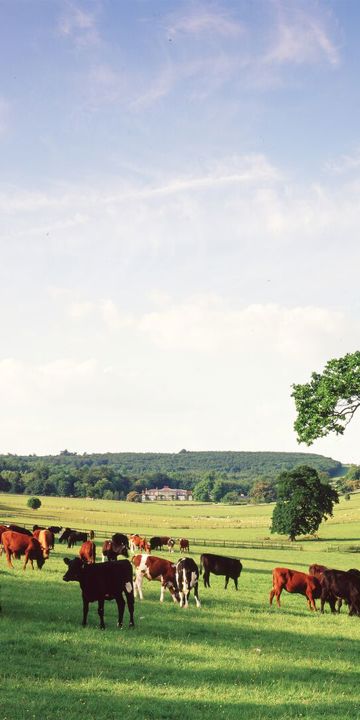

Cricketers since 1702
The oldest existing rules for the game were drawn up for a match between the 2nd Duke and a neighbour
-
Sports
-
Goodwood Education Trust
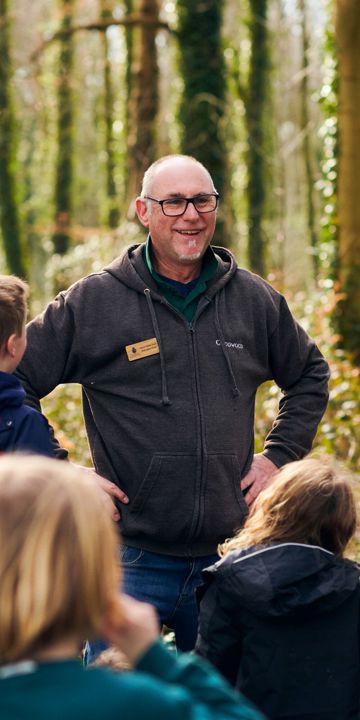
Fashionable foxhounds
The 1st Duke of Richmond bought Goodwood in 1697 as a place to stay to go foxhunting with the fashionable Charlton Hunt. -
Charities
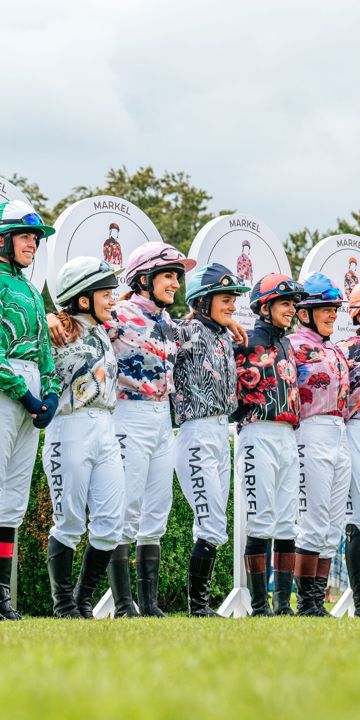

Roots for the future
A 20m woodland rue, from Halnaker to Lavant, was planted by our forestry teams & volunteers, featuring native species like oak, beech, & hornbeam
-
Sustainability
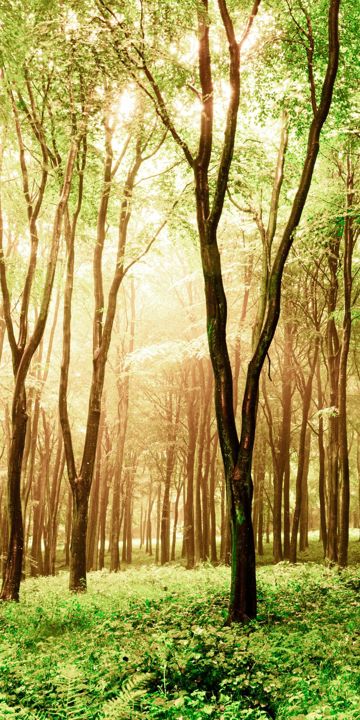

Grogger
Easy boy! The charismatic Farnham Flyer loved to celebrate every win with a pint of beer. His Boxer dog, Grogger, did too and had a tendancy to steal sips straight from the glass.
-
Diversity, Equity & inclusion
-
Property
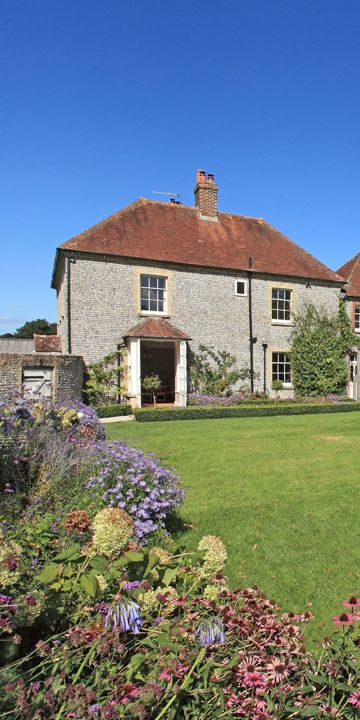
Filming at Goodwood
We have been host to many incredible film crews using Goodwood as a backdrop for shows like Downton Abbey, Hollywood Blockbusters like Venom: let there be Carnage and the Man from U.N.C.L.E.
-
Walking Guide

Estate Crest
"En la rose je fleurie" or "Like the rose, I flourish" is part of the Richmond coat of Arms and motto
-
Dog Walking Field
-
Careers
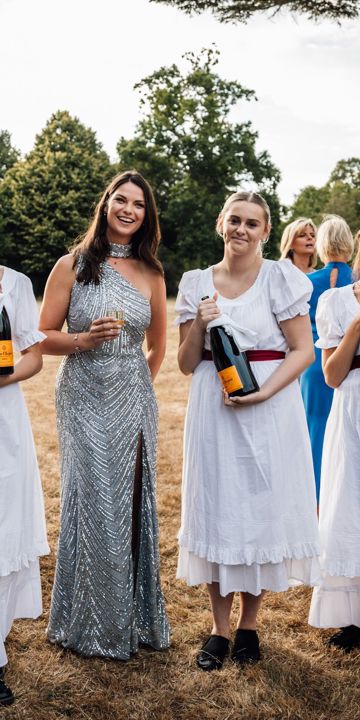
Grogger
Easy boy! The charismatic Farnham Flyer loved to celebrate every win with a pint of beer. His Boxer dog, Grogger, did too and had a tendancy to steal sips straight from the glass.
-
Goodwood Art Foundation
-
Farm Shop
-
What's on


Upcoming Events

Your New Technogym app
To get the most out of your Goodwood Health & Wellbeing membership, you’ll need the Technogym App. This is where you’ll book classes, gym and run sessions and coaching sessions*, track your training, and access personalised programmes.
Follow the steps below to get set up in just a few minutes.
*Please note, you will be able to book sessions based on your membership.
- Download the App
You can download the Technogym App in any of the following ways:
Scan the QR code on your phone.
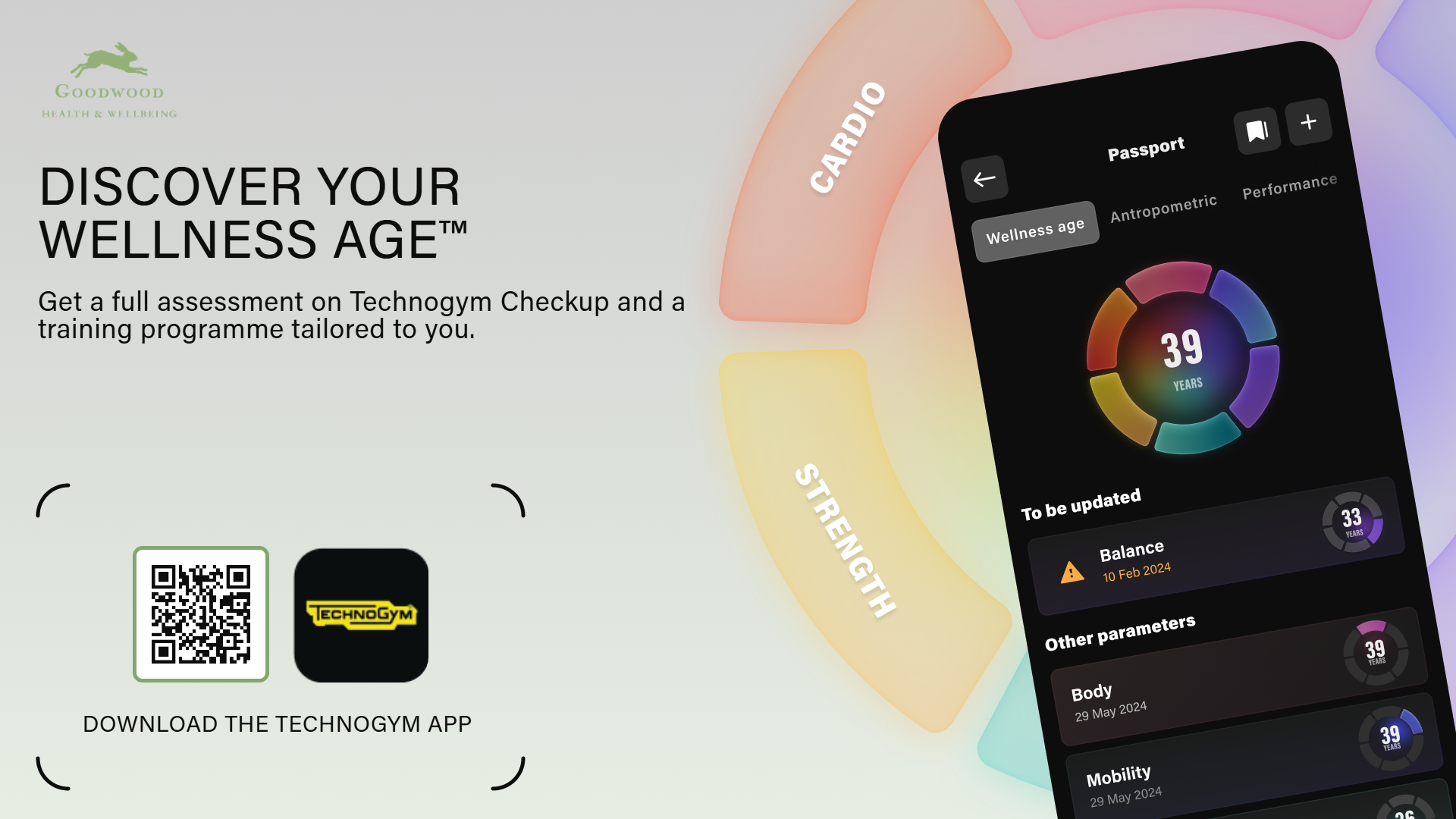
If you are viewing this this on your phone, link to the following:
Search “Technogym App” in your App Store or Google Play Store
iPhone users:
Use your Apple ID/iCloud login to download the app to your device.
Android users:
Use the Google account linked to your phone to install the app.
- Create Your Technogym Account
Once the app has downloaded:
- Open the app
- Select Create Account
- Use the same email address you use for your Goodwood Health & Wellbeing membership
- If you already have a Technogym account using this email, simply log in.
Using the same email ensures we can correctly link your membership.
- We’ll Link Your Membership
Once your account is created, our team will assign your Goodwood membership to your Technogym profile. Please allow 48 hours for this, as this is a manual process.
There’s nothing you need to do here, just make sure you’ve used the same email as your Health Club, Gym or Run Club membership.
- Class Bookings Open 28 December
From 28 December, you’ll be able to book all Health Club classes directly in the app.
To book:
- Open the Technogym App
- Go to the Classes tab
- Find the session you’d like to join
- Tap Book Now
If the class is full, you can add yourself to the waitlist and you’ll be notified if a space becomes available.
You can book up to 8 days in advance. The existing app will be in use to book classes until the end of the day on 27 December 2025.
Please note, that from 28 December, you will no longer be able to book classes on the existing app. All bookings will be through the Technogym app.
How to add Goodwood as a facility
Once you have created your account on the Technogym app, please follow the steps below to add the Goodwood Gym as your facility.
- Now you have created your account, please click on the "Coach" tab on the bottom left-hand corner.
- Click on the icon in the top right-hand corner that shows your initials.
- Select the "Your Facilities" tab.
- When the screen appears, click the plus symbol in the top right-hand corner of the screen to add the facility.
- In the bottom-right corner will be a keyboard icon; select this to manually add in Goodwood's code.
- Enter the code goodwoodpark.
After you have entered this code, please allow the team up to 48 hours to assign your membership to your account. You will not be instantly connected.
Get in touch with the team
If you have any problems or questions, please do reach out to the team at wellbeing@goodwood.com.